CS Auto Clicker
Quick Take: Free, lightweight auto clicker for precise automation • Easy to configure intervals and click patterns • Helps benchmark, test and optimise workflows • Runs quietly in the background so you can focus on higher-value tasks

Overview
CS Auto Clicker is a free automation tool designed for users who need consistent, repeatable mouse clicks without manual effort. Instead of guessing or relying on inconsistent human timing, you can configure clear intervals and patterns, then measure the impact on your workflows, tests or in-app processes. What you get: CS Auto Clicker allows you to define click intervals, durations and locations so your automation runs exactly as specified.
Once configured, it operates quietly in the background, freeing you to concentrate on higher-value work while repetitive clicking is handled automatically. This makes it useful for stress-testing interfaces, speeding up routine in-app actions, or simply cutting down on manual repetition. How it helps: Because the timing and behaviour are configurable, CS Auto Clicker gives you stable variables you can optimise against.
You can run the same pattern multiple times, compare outcomes and refine your setup based on clear, observable results. That level of consistency is valuable whether you are fine-tuning a workflow, experimenting with in-game routines, or streamlining day-to-day tasks. Hosted and distributed via Whop, CS Auto Clicker is straightforward to access and install, with transparent, free pricing.
If you are searching for a no-cost auto clicker tool that prioritises control, repeatability and measurable performance over unnecessary extras, CS Auto Clicker is a practical option to add to your toolkit.
About the Creator
CS Auto Clicker is offered via the Courtside Locks presence on Whop, positioning it as a practical, no-frills automation utility focused on predictable performance, clear settings and ease of use for users who want measurable, repeatable results.
Key Features
- Free-to-use auto clicker utility with no upfront cost
- Customisable click intervals and durations to match your workflows
- Control over click locations and patterns for repeatable testing
- Simple interface that is quick to set up and adjust
- Runs in the background so you can multitask while it operates
- Ideal for routine, repetitive clicking tasks that need consistent timing
What's Included
Customer Reviews
Based on 3 reviews
Worth every penny
I was skeptical at first but the value here is insane. The community helped me get set up correctly.
Verified Results
Been using this for a month and verified great results. Good ROI so far.
Solid choice
Exactly what I was looking for. Features are exactly as described and support is responsive.
Related Products
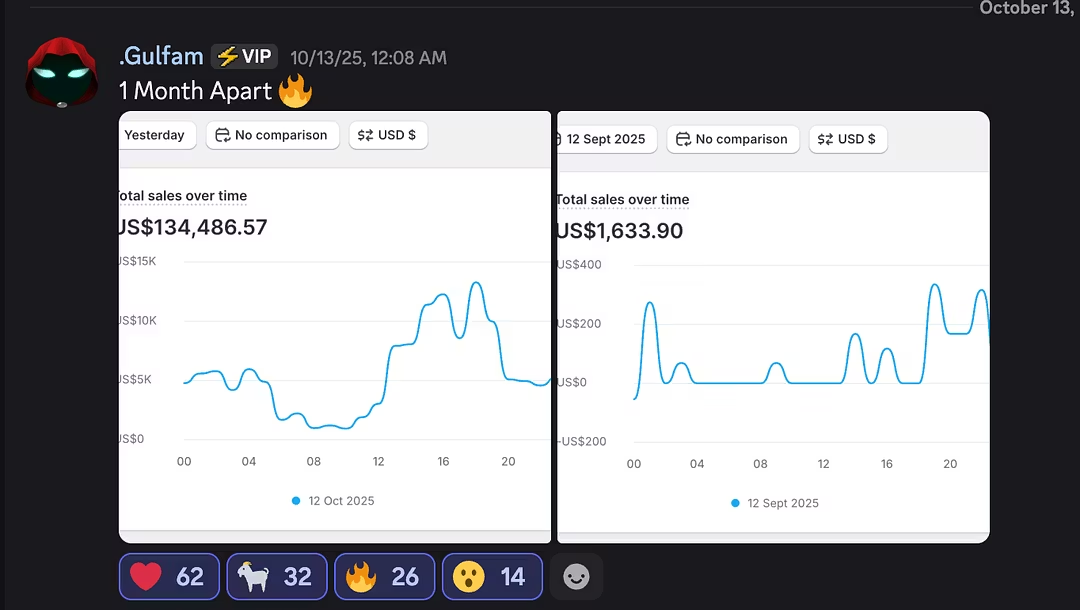
Ecom Masterclass
Structured ecom roadmap instead of guessing what to do next • Live guidance and feedback so you don’t stay stuck • Systems-focused lessons built for consistent revenue, not one-off wins • Community support to learn from people running real stores
AdexTrades University - Trial
Free trial of AdexTrades University’s trading education hub • Structured forex and crypto lessons and live calls • Learn to increase per-trade size and AOV with risk control • Ideal low-risk way to test the community before paying
ZygClips
Turn inactive audiences into warm buyers with viral-ready clips • Done-for-you editing and content systems • Designed for creators and coaches who want ROI, not vanity metrics